Company administrators can view and manage all projects belonging to their company from a single page, without needing to be a member of each project.

Mike Lee
What the Company Projects page is
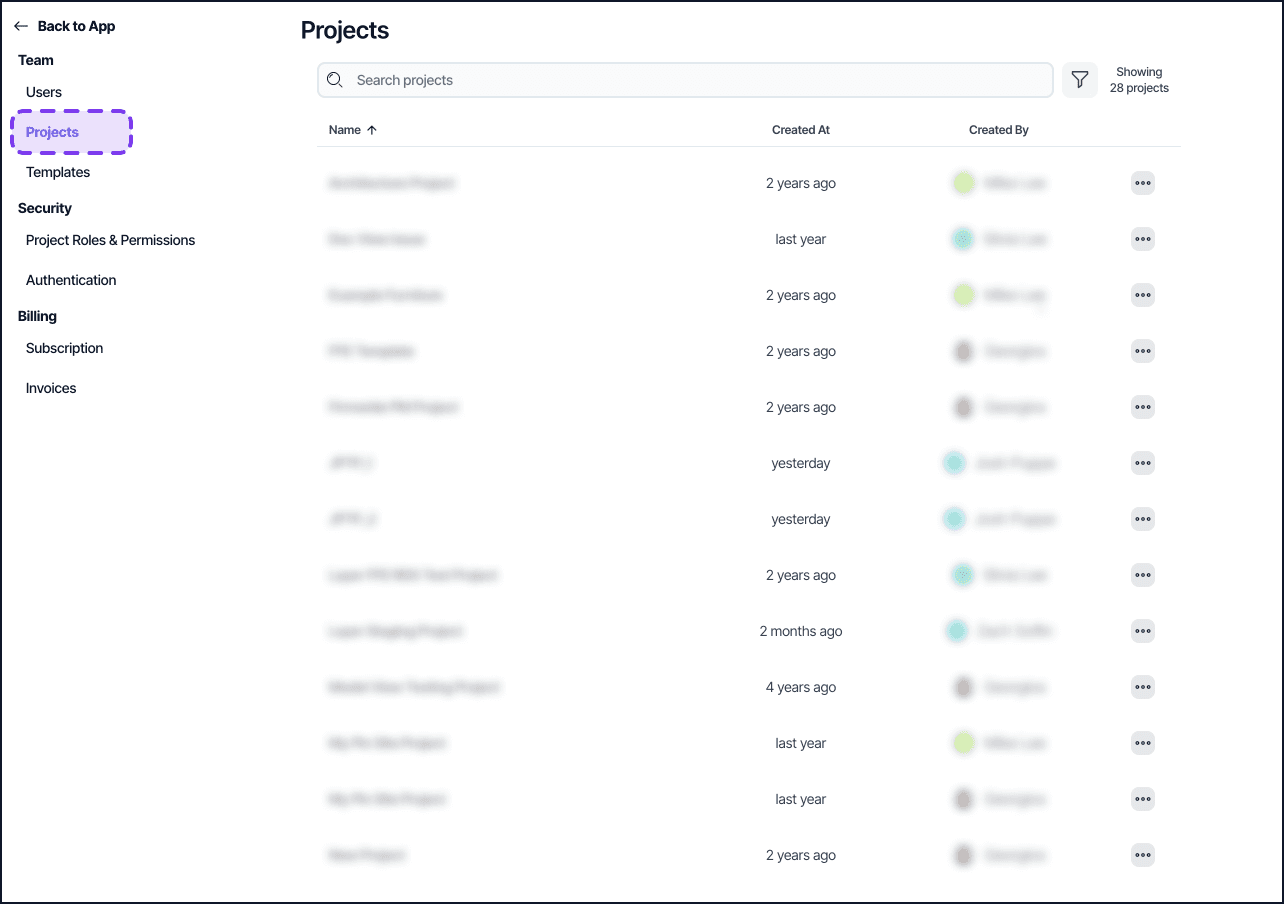
The Company Projects page gives company administrators a centralized view of all projects that belong to their company. From this page, administrators can review project details and manage membership without being added to each project individually.
Who can access it
Company administrators and billing administrators can access the Company Projects page. Project members who are not company or billing administrators do not see this page.
What you can do from Company Projects
View all projects belonging to your company in one place.
Review project name, members, and roles.
Add users to a project, change their role, or remove them.
Access project-level settings for any company project.
How to access it
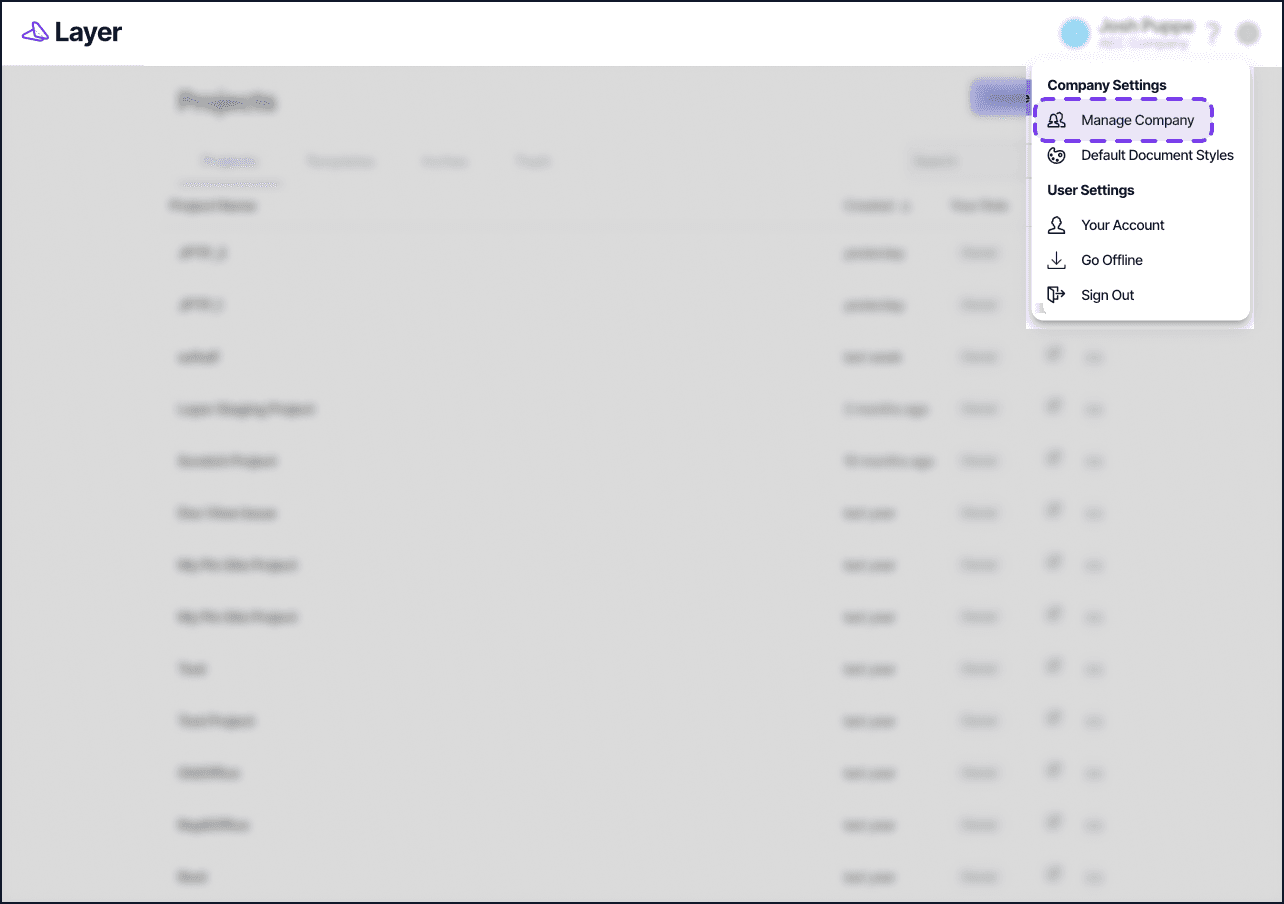
Open your company settings.
Select Projects from the company settings navigation.
Notes
Actions taken from the Company Projects page follow the same permission rules as actions taken from within a project. For example, the last accepted Project Owner cannot be demoted or removed.
This page is useful for auditing access and updating project membership across many projects at once.
For a full breakdown of roles and what each level can do, see Project Roles.