Elements in large categories load in batches as you scroll. This is intentional behavior that keeps Layer responsive for projects with extensive data.

Josh Puppe
How element loading works
When you open a category in Layer, elements load in batches rather than all at once. As you scroll toward the bottom of the list, the next batch loads automatically. This continues until all elements in the category are visible.
This applies to Table View, Form View, and the element list.
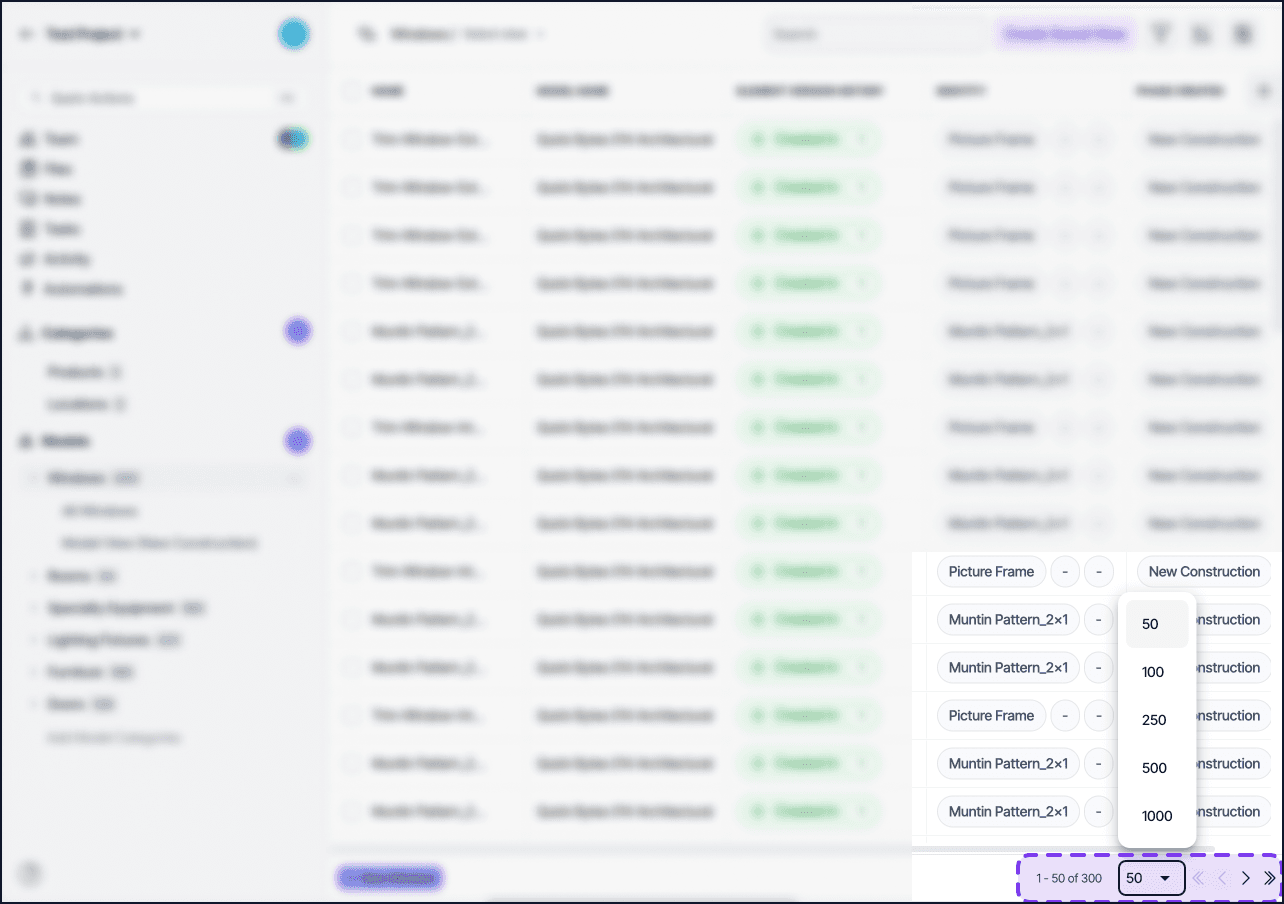
What to expect
In a category with a large number of elements, you may see a brief loading indicator at the bottom of the list as you scroll. All elements are present in the project, to the number selected at the bottom of the page. The list loads them progressively to keep the interface responsive.
Search, filters, and sorting work across all elements in the category, not only the ones currently loaded into view.
Notes
Progressive loading is automatic and applies to large categories. There is no setting to enable or disable it.
If you need to work with all elements at once outside of Layer, use Export to Excel or Export to CSV to get the complete dataset.
The initial load time for large categories is shorter with this update.