Configure how long OAuth access tokens remain valid for Layer integrations. Expiration options let you set shorter-lived tokens for security-sensitive connections.

Mike Lee
What OAuth token expiration is
When you connect an external tool to Layer using OAuth, such as the MCP server or a custom integration, Layer issues an access token that lets the tool read and write your Layer data. OAuth token expiration controls how long that token remains valid before it needs to be refreshed or reissued.
This setting is relevant for integration builders and teams that manage Layer API connections.
Why it matters?
Shorter token lifetimes reduce the impact if a token is exposed. Longer lifetimes reduce how often connected tools need to re-authenticate. Choosing an expiration that matches the security requirements of your integration is good practice.
How to configure token expiration
Token expiration is set during OAuth app or integration configuration in Layer. Available options include short-lived windows for high-security connections and longer-lived windows for trusted internal tools.
See layer-api.readme.io for the full API reference and current expiration options.
Notes
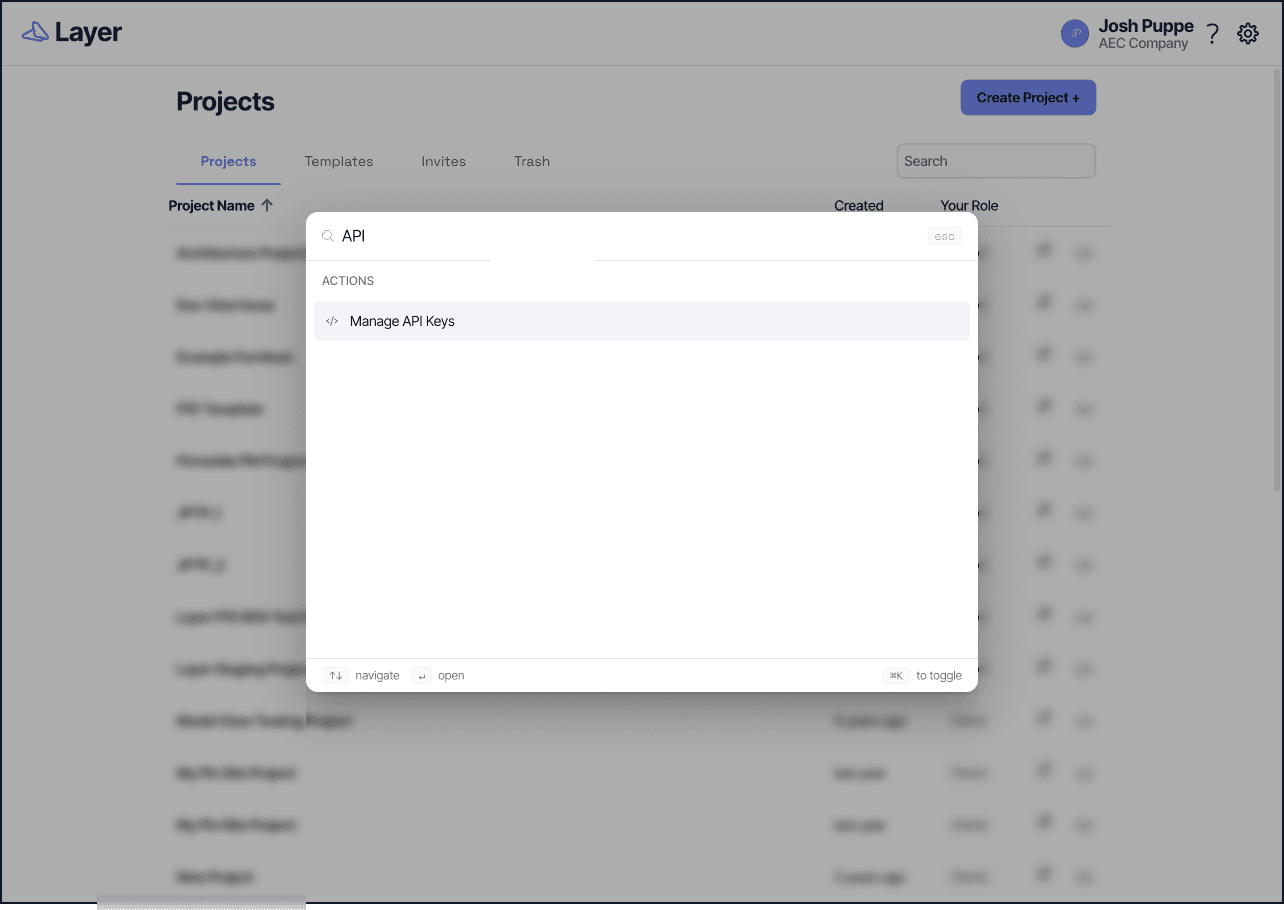
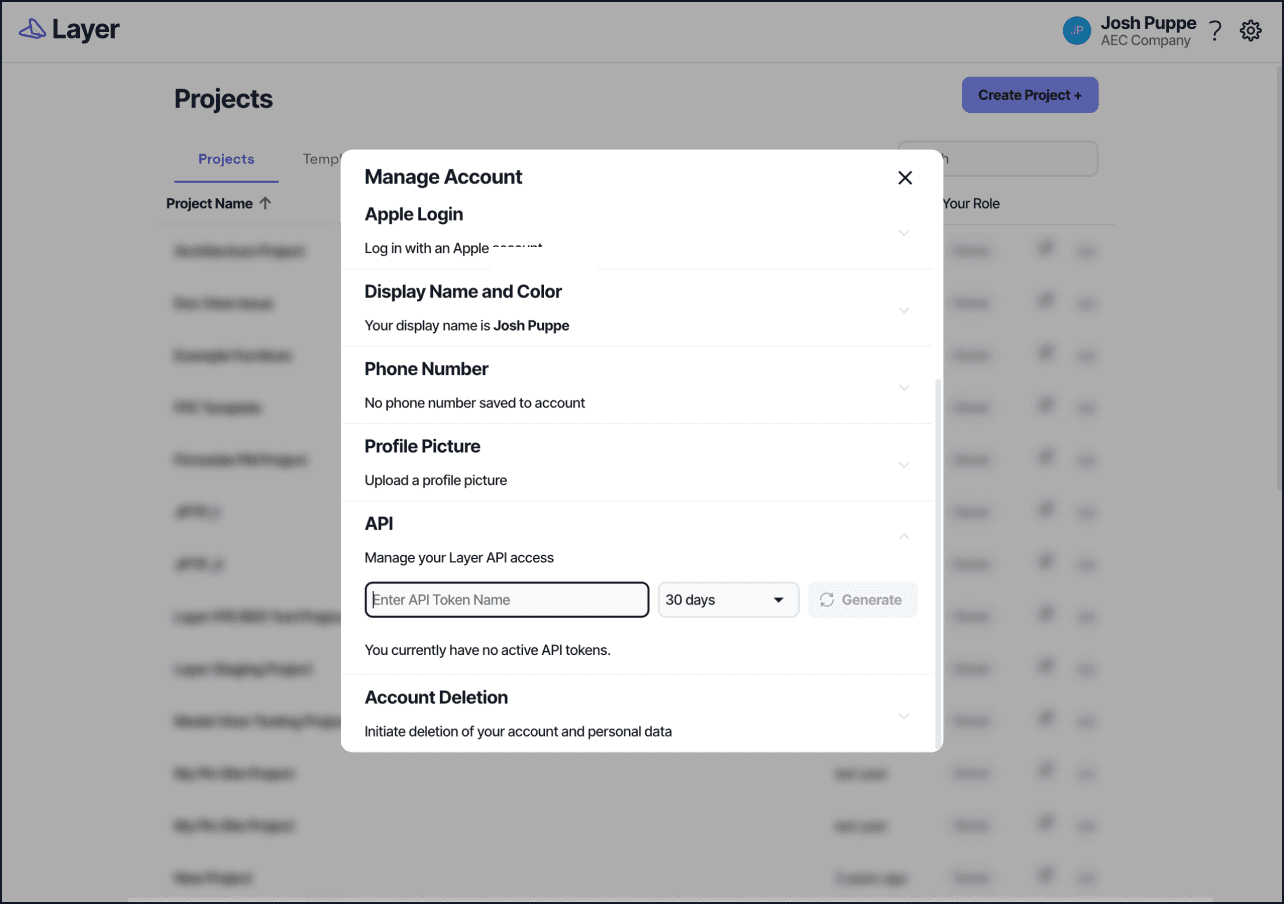
OAuth token expiration applies to OAuth-based integrations. Personal API token expiration is managed separately from your account settings.
When a token expires, the connected tool will either prompt for re-authentication or use a refresh token to obtain a new access token automatically, depending on how the integration was built.
For personal API tokens, see Personal API Tokens.
For MCP server setup, see Layer MCP Server.