If you're building Room Data Sheets and trying to decide which category to use, this article explains when to use the Revit Rooms category and when to use a separate Room Data Sheets (Layer) category instead.

Silvia Lee
Should I create Room Data Sheets from the Revit Rooms category or a Layer Category?
If you're building Room Data Sheets and trying to decide which category to use, this article explains when to use the Revit Rooms category and when to use a separate Room Data Sheets (Layer) category instead.
Room Data Sheets in Layer are created one per element in a category. That means the category you choose controls how many sheets are created and what data is included.
Use the Revit Rooms category from your published model if:
The Revit model already includes placed rooms
You want one sheet per modeled room
Room parameters like Name, Number, and Type are consistently filled out
You want model data to sync automatically with each sheet
This approach is best for later design phases when there are fewer changes happening or when documenting existing conditions. It keeps your Room Data Sheets aligned with the model as rooms are added, deleted, or updated.
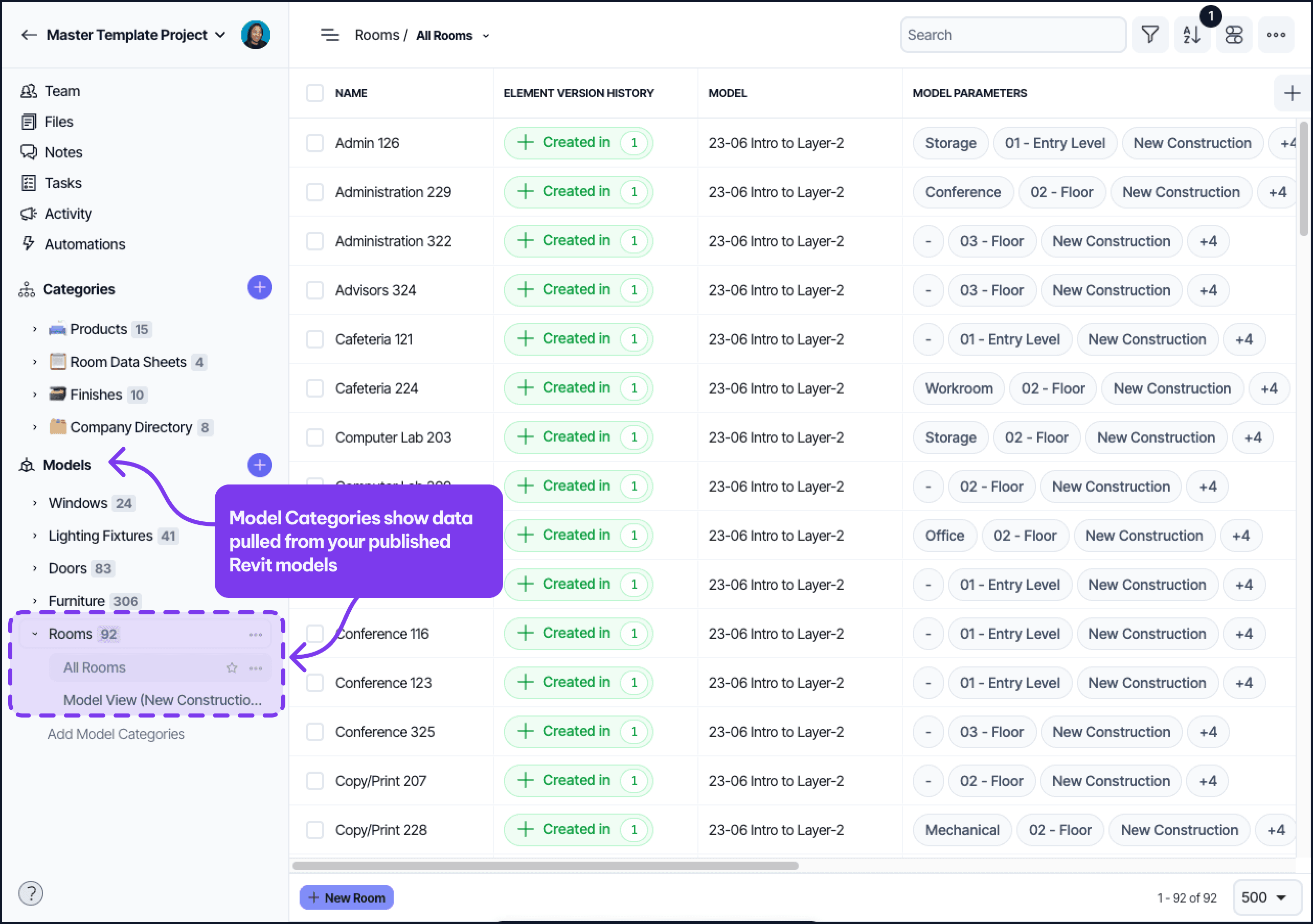
Note:
Any changes to the rooms in the Revit model will impact your Room Data Sheets.
If you add a room into your model, you will need to republish the model to Layer for the room to show up.
If you delete and create new rooms, any field information that was manually added will stay with those deleted rooms.
For a more customizable approach to Room Data Sheets, try using a custom Layer Category instead.
Create a separate Room Data Sheets category if:
You are defining rooms and requirements before modeling begins
The model is still in progress or missing rooms
You need to control how many sheets are created and when
Room naming or numbering is not consistent yet
This approach is better for early design and programming phases. It gives you full control over the content and timing of Room Data Sheets. The Revit model will be connected to this Layer category through relationship fields, which you can set up at any point in time. Connecting the categories allows information to pass from the Layer Category to the Revit category to be synced to your Revit Model.
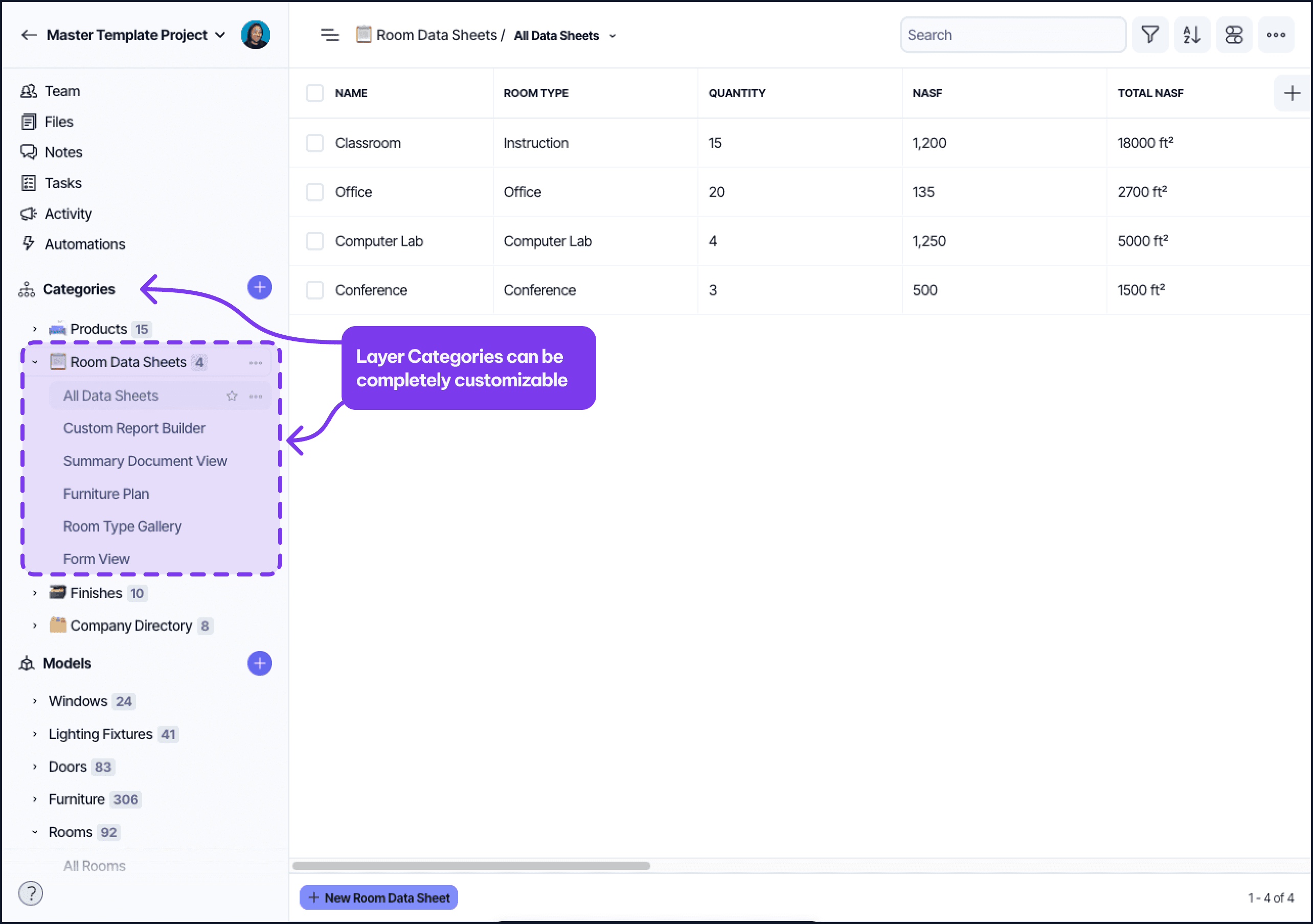
Note:
Your Layer Rooms Category can exist independently from your Revit Rooms Category, but to connect them, there will need to be a Revit Parameter that is used to match to a field in the Layer Category. This creates an automatic connection matching rooms between the two categories.
Next step
Once you’ve chosen the right category to use, follow this guide to learn how to create a Room Data Sheets Template from scratch →